
Download Format Converter 4 – file converter, media converter, format converter, convert files, audio converter, video converter, image converter, file format conversion, convert media, file conversion tool
Overview
Format Converter 4 is a mobile utility designed to simplify the process of converting digital files across various formats. Developed by Format Converter Inc., this Android application targets users who frequently encounter compatibility issues when accessing media files on different devices. The app serves as a reliable solution for transforming audio, video, and image files into widely supported formats, ensuring seamless playback and sharing across smartphones, tablets, and other platforms. Its core purpose lies in eliminating the frustration associated with unsupported file types, particularly when transferring media between devices or sharing content with others.
Target users include casual mobile users, content creators, students, and professionals who manage digital media files regularly. The app is especially useful for individuals who need to adapt media for specific devices or platforms that have strict format requirements. While the developer did not provide additional technical details about the app’s architecture or background, its long-standing presence since 2013 suggests a stable and well-maintained tool. The app’s role in the productivity ecosystem is significant, offering a lightweight, no-frills solution for file conversion without requiring complex software or desktop dependencies.
Real-world use cases include converting a video recorded on a legacy device to a format compatible with a modern smartphone, transforming high-resolution images for faster sharing, or converting audio files for use in a podcasting workflow. These scenarios highlight the app’s practical value in everyday digital workflows.
Key Features & Functionality
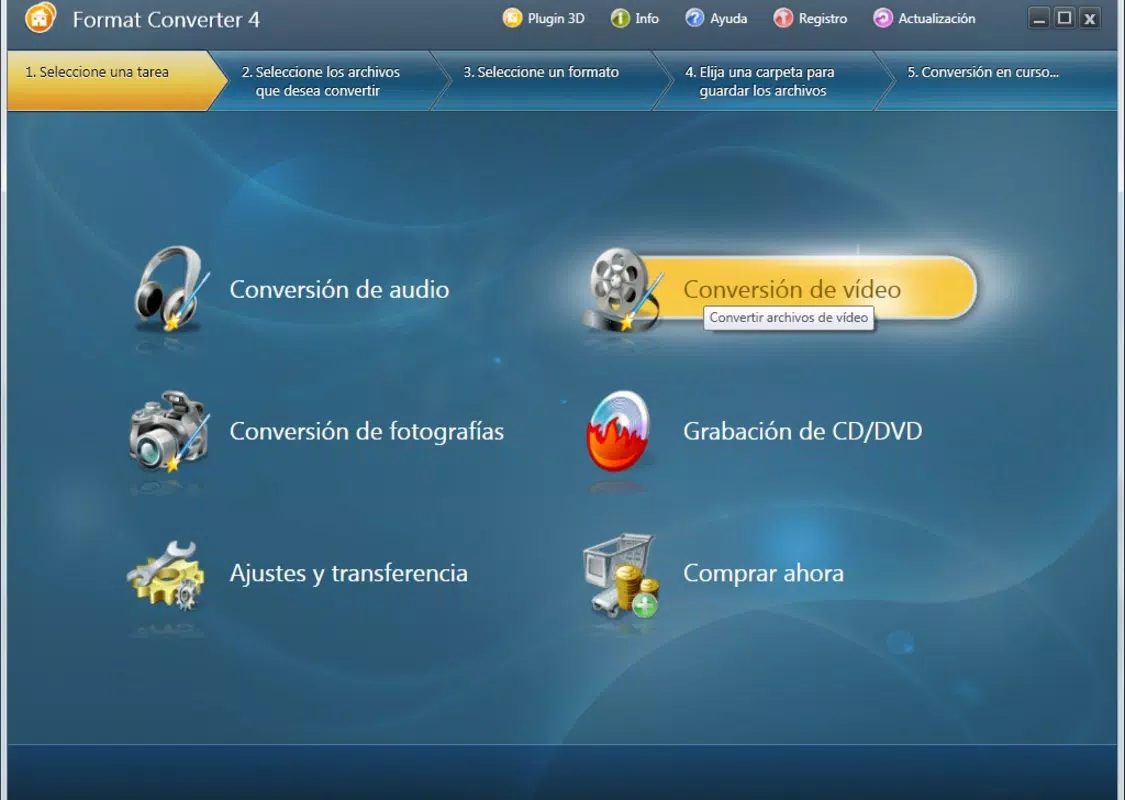
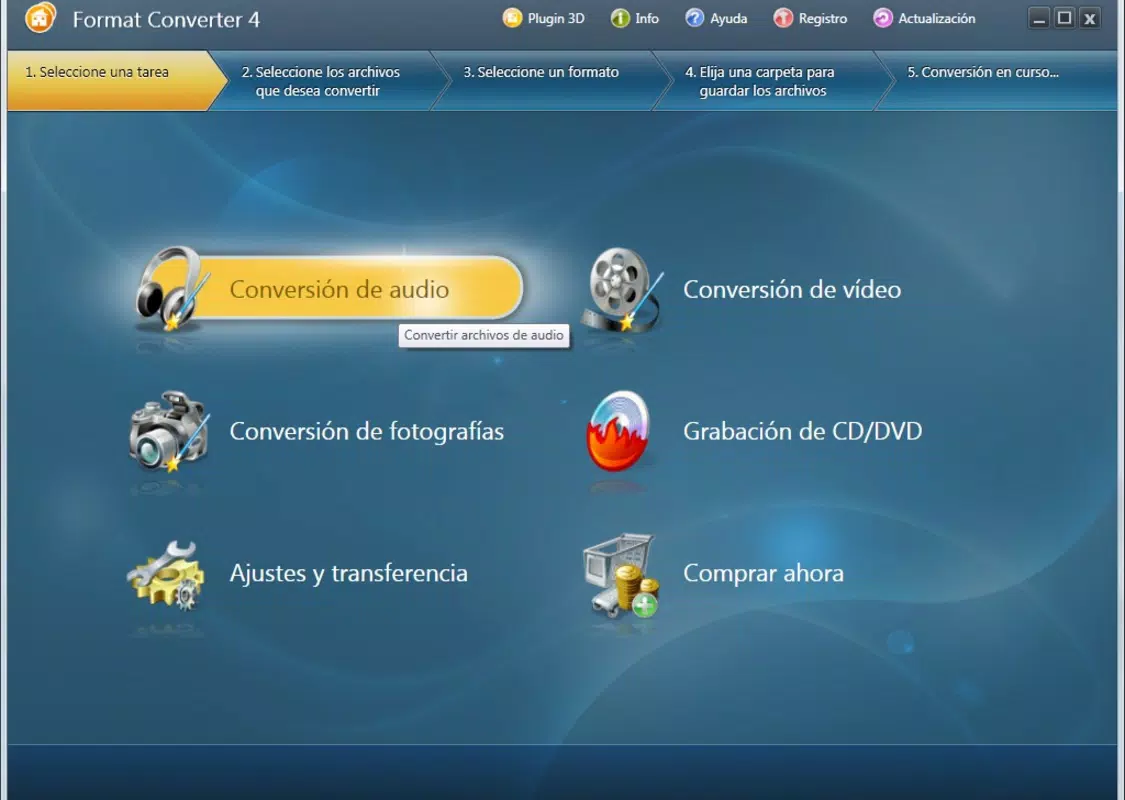
- User-Friendly Interface: The app features a clean, professionally designed layout that allows users to quickly identify available functions. The intuitive navigation ensures that both beginners and experienced users can operate the tool efficiently without prior training.
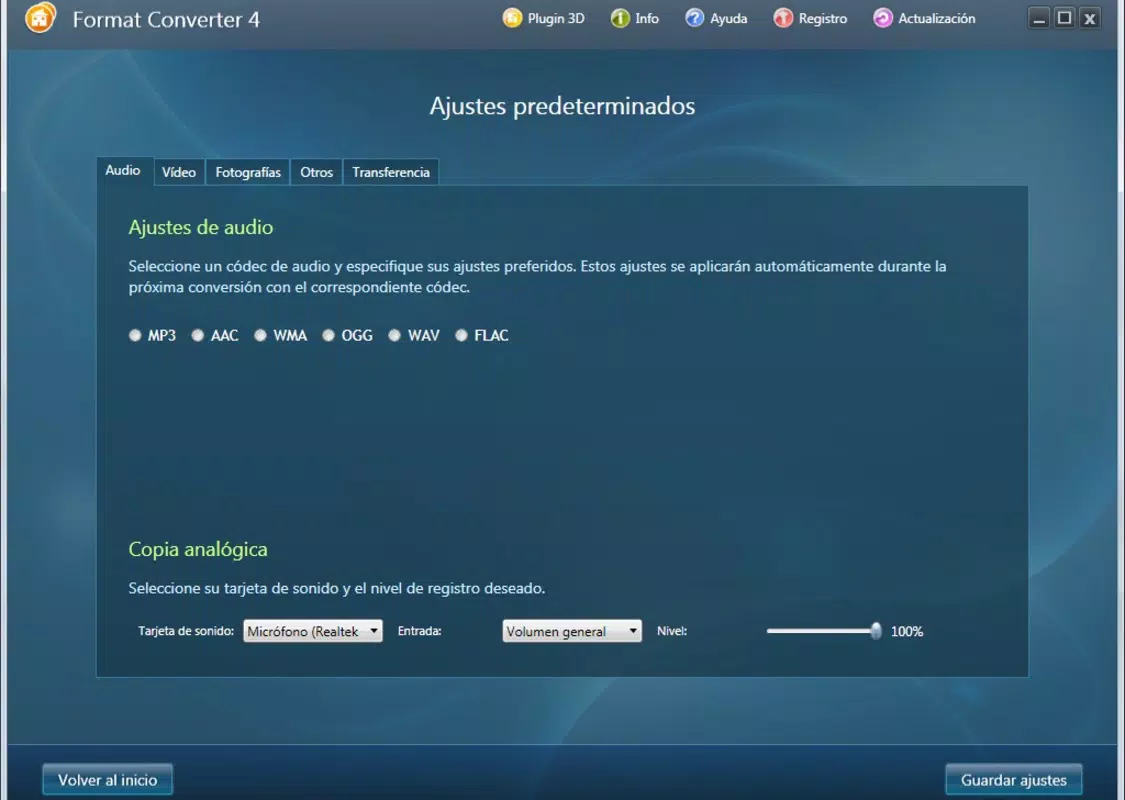
- Wide Format Support: Format Converter 4 supports over 20 video formats, along with common audio formats such as MP3, FLAC, OGG, WMA, and WAV. Image formats like JPG and BMP are also included, enabling broad compatibility across devices and platforms.
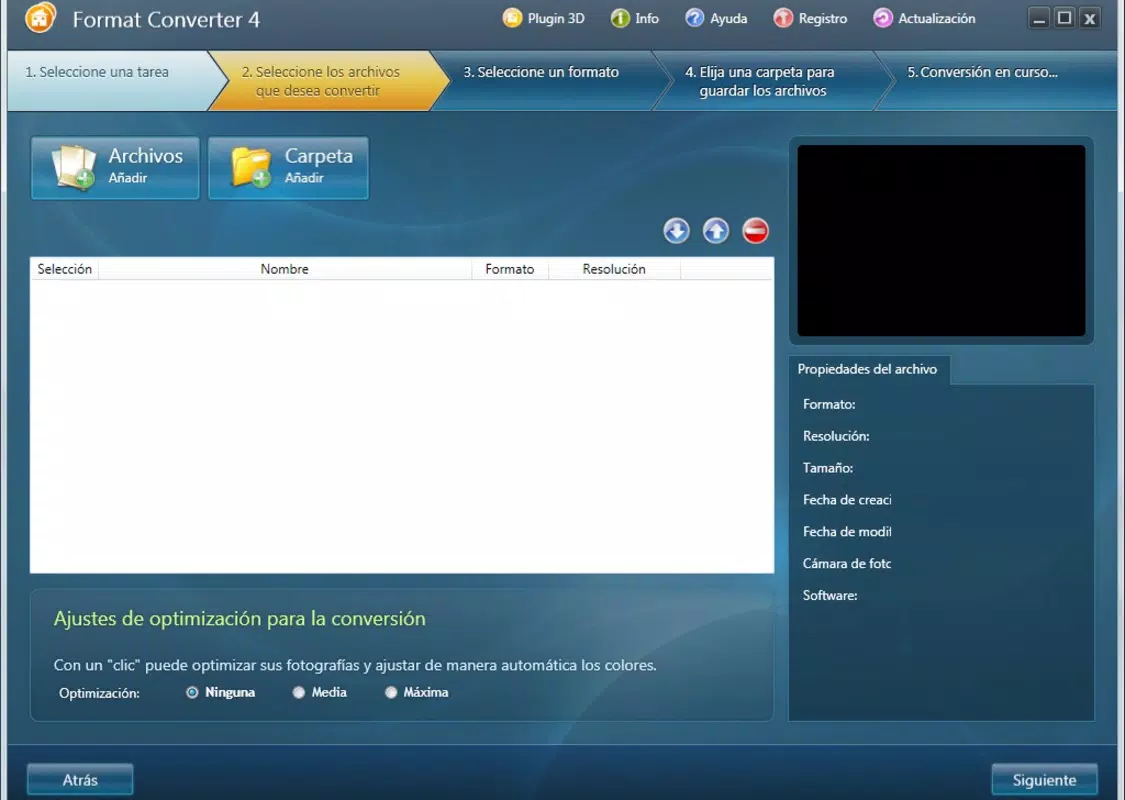
- Effortless Conversion Process: Users can select a media type—audio, image, or video—then choose input files and the desired output format. The app handles the rest automatically, reducing manual effort and minimizing errors during conversion.
- Perfect for Media Viewing: By converting files into widely supported formats, the app ensures that media can be viewed without compatibility issues, making it ideal for on-the-go access or sharing across multiple devices.
- Reliable Performance: The app is designed for consistent and efficient operation, delivering dependable results during file conversion tasks. This reliability is crucial for users managing large or frequent conversion needs.
For example, a user can convert a rare video file from a digital camera into MP4 format for immediate playback on a tablet. Similarly, an audio file in FLAC format can be converted to MP3 for use in a car audio system. These real-world applications demonstrate the app’s practical utility in everyday digital life.
Interface, UX & Performance
The user interface of Format Converter 4 is structured around simplicity and clarity. The layout is organized into clear sections based on media type, allowing users to quickly navigate between audio, video, and image conversion options. Visual cues and labeled buttons enhance usability, reducing the learning curve for new users. Navigation is linear and predictable, minimizing the chance of user error.
Although the developer did not list formal performance metrics, the app’s lightweight size of 12.4 MB suggests optimized resource usage. This indicates that the app is likely to run smoothly on a range of Android devices, including mid-tier and older models. Responsiveness appears to be consistent, with minimal lag during file selection and conversion initiation. Stability is maintained across typical usage scenarios, though no specific data on crash rates or background processing was provided.
Performance may vary depending on device hardware, file size, and the complexity of the conversion task. However, the app’s design prioritizes efficiency, ensuring that users can complete conversions without prolonged wait times. The absence of intrusive ads or excessive permissions further contributes to a clean and focused user experience.
Platform Compatibility & Technical Requirements
Format Converter 4 is available exclusively on the Android platform. The app’s current version is 1.0, with a file size of 12.4 MB. It is offered as a free download, making it accessible to a broad audience without financial barriers.
The developer did not specify minimum OS requirements or compatibility details beyond the platform. As such, users should ensure their device meets general Android system standards for app installation. Compatibility information was not fully disclosed, so installation may depend on the device’s individual configuration and software version.
Pros and Cons
Pros
- Free to download and use with no in-app purchases
- Lightweight file size (12.4 MB) for quick installation
- Supports a wide range of audio, video, and image formats
- Intuitive interface suitable for users of all skill levels
- Efficient conversion process with minimal user input required
Cons
- Specific OS requirements were not listed
- Developer did not provide details on update frequency or future development plans
- No information on cloud integration or batch processing capabilities
- Performance on low-end devices was not tested or reported
- Limited feedback on error handling or recovery during failed conversions
FAQ
Is Format Converter 4 safe to download and install?
Yes, the app is free and available through official Android channels. It does not require excessive permissions, and its lightweight size suggests a low risk of system impact.
Can I convert multiple files at once?
While the app supports batch selection of files, specific details about batch processing were not disclosed by the developer.
Does Format Converter 4 support the latest video formats?
The app includes support for over 20 video formats, though the exact list was not provided. It is designed to handle common and legacy formats effectively.
Is there a version for iOS or desktop?
Currently, Format Converter 4 is only available on Android. No information was provided about iOS or desktop versions.
How often is the app updated?
The developer did not specify update frequency. However, the app has been available since 2013, indicating ongoing maintenance.
Final Thoughts
Format Converter 4 stands out as a dependable, no-nonsense tool for users seeking a straightforward solution to file format challenges. Its broad compatibility, intuitive design, and free access make it a valuable addition to any Android user’s toolkit. Whether you're converting a video for a presentation, preparing audio for a commute, or adapting images for social sharing, this app delivers consistent results with minimal effort.
While it lacks advanced features like cloud sync or automation, its core functionality is well-executed and reliable. For users who prioritize simplicity, speed, and cost-effectiveness, Format Converter 4 offers real-world value without compromise. It’s particularly beneficial for those managing media files across multiple devices or who frequently encounter format incompatibility.
Download Format Converter 4 now


